

Optimizing Your Google Calendar for Time Blocking Success
As a busy executive, managing your time effectively is essential to achieving success in your profession. With increasing demands on your schedule, it's easy to feel overwhelmed and struggle to prioritize tasks. However, with the right tools and techniques, you can reclaim hours of productivity without sacrificing work quality.
In this article, we'll explore how to optimize your Google Calendar for time blocking success. You'll learn how to create a schedule that works for you, not against you, and discover the benefits of using Google Calendar as your go-to calendar app. By the end of this guide, you'll be equipped with the knowledge and skills necessary to manage your time more efficiently.
Understanding Time Blocking
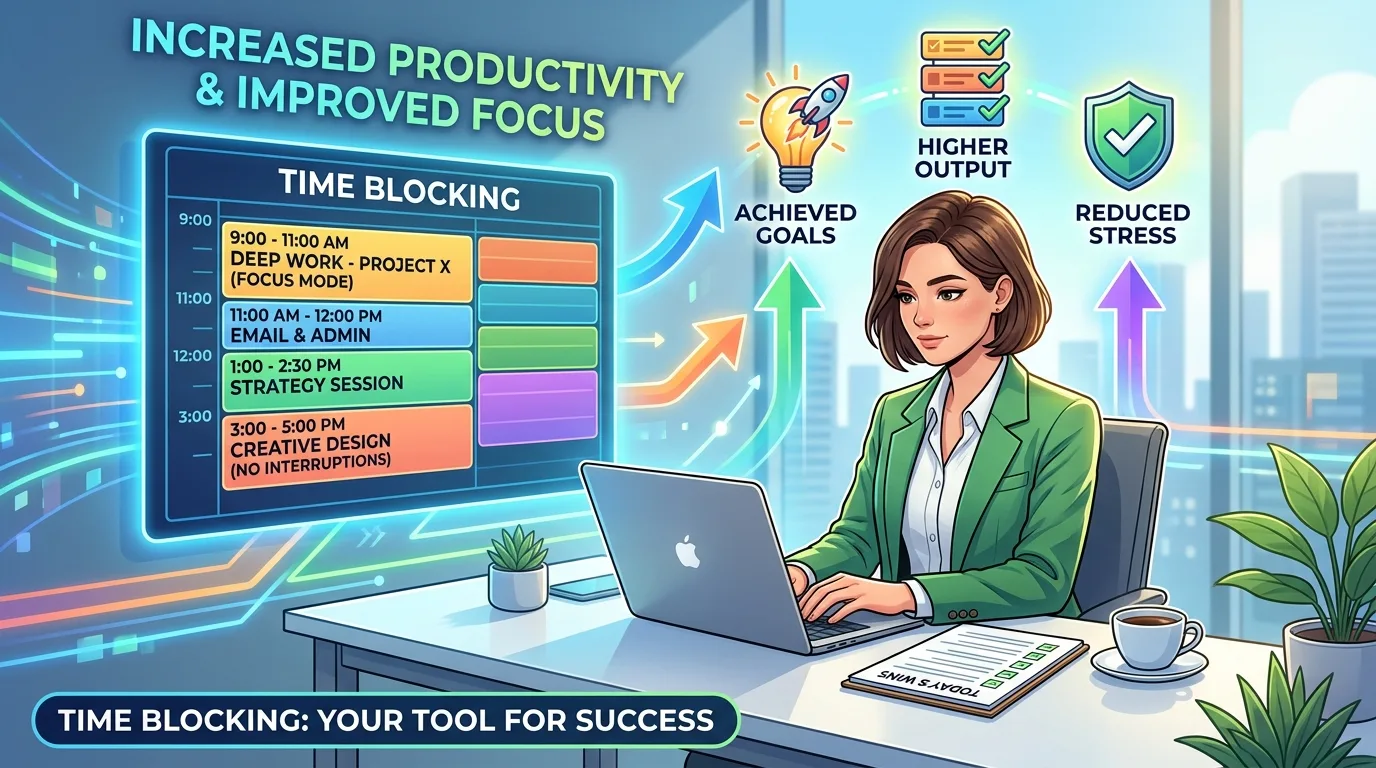
Time blocking is a scheduling technique that involves dividing your day into fixed, uninterrupted blocks of time dedicated to specific tasks or activities. This approach helps you focus on one task at a time, eliminating distractions and increasing productivity. By dedicating a set amount of time to a single task, you can concentrate on achieving a clear goal without being sidetracked by other tasks or activities.
To illustrate this concept, consider an example where you're working on a project that requires intense concentration. If you try to multitask, switching between different tasks and responsibilities, it's likely that you'll make mistakes, miss deadlines, and compromise the quality of your work. By dedicating a specific block of time to this task, you can eliminate distractions and minimize errors.
Benefits of Time Blocking
By dedicating a set amount of time to a single task, you can:
Eliminate multitasking: Focus on a single task to avoid divided attention and minimize mistakes.
Minimize distractions: Schedule dedicated time for tasks to reduce interruptions and stay focused.
Time blocking offers several benefits, including improved focus, increased productivity, and better work-life balance. By prioritizing your tasks and allocating sufficient time for each one, you can:
Increase efficiency: Complete tasks more quickly and with greater accuracy.
Reduce stress: Manage your workload and minimize the pressure of meeting deadlines.
Improve job satisfaction: Feel a sense of accomplishment and pride in completing your tasks.
Improved Focus
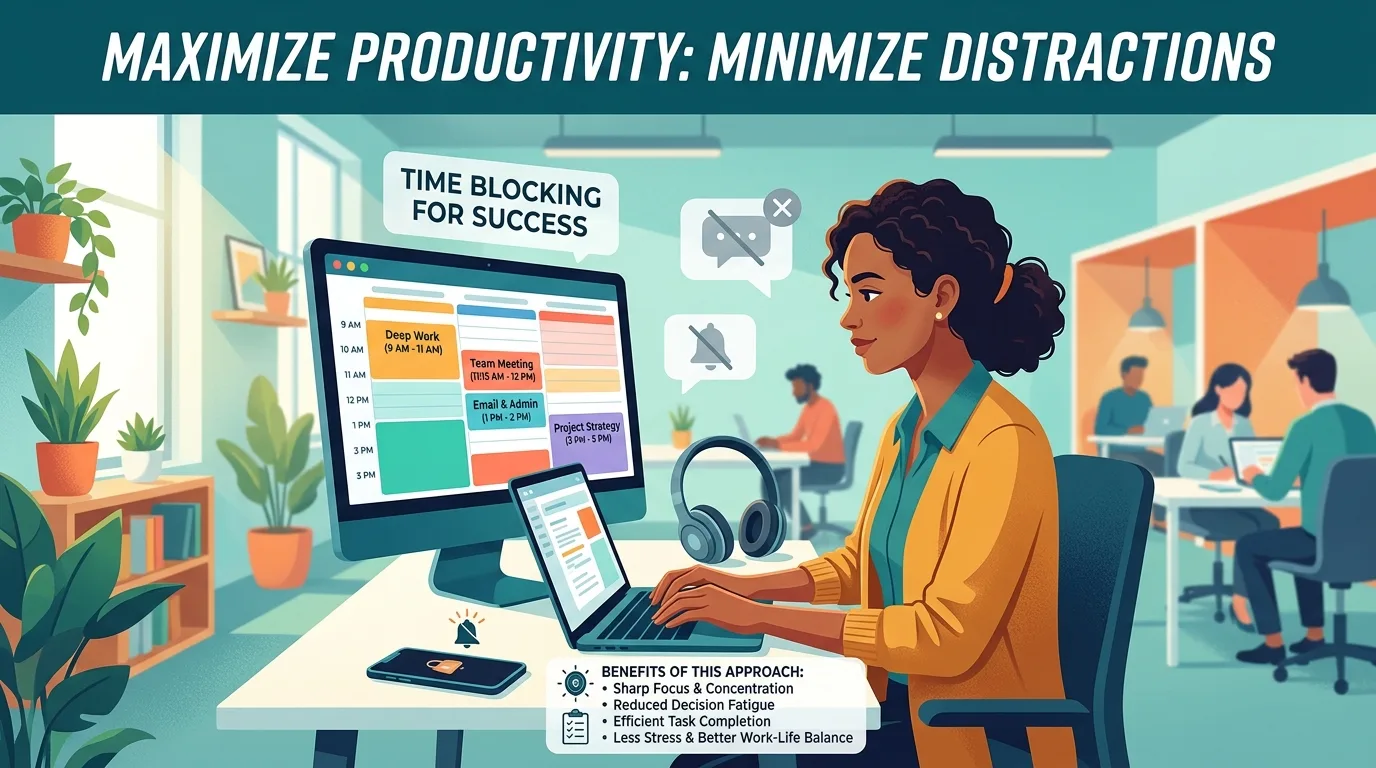
By dedicating a set amount of time to a single task, you can eliminate multitasking and minimize distractions. This leads to improved focus, allowing you to concentrate on a single goal without being sidetracked by other tasks or activities. When you're focused, you'll be able to:
Concentrate on the task at hand: Ignore emails, phone calls, and other interruptions.
Make progress quickly: Complete tasks efficiently and effectively.
Increased Productivity
Time blocking allows you to prioritize tasks and tackle them efficiently, resulting in greater productivity and output. By dedicating specific blocks of time to tasks, you can:
Prioritize high-priority tasks: Schedule critical tasks during your most productive hours.
Tackle complex projects: Break down large projects into manageable chunks and dedicate specific time blocks for each task.
When allocating time blocks for tasks, consider the following factors:
Task complexity: Assign longer time blocks for complex or high-stakes tasks.
Deadline urgency: Allocate earlier time slots for urgent tasks with strict deadlines.
Personal energy levels: Schedule tasks according to your natural energy levels and productivity peaks.
Better Work-Life Balance
By scheduling personal activities and self-care into your calendar, you can maintain a healthy work-life balance. This includes:
Scheduling downtime: Set aside dedicated time for relaxation and rejuvenation.
Planning family events: Schedule family gatherings, vacations, or other important events to ensure quality time with loved ones.
When incorporating personal activities into your schedule, consider the following tips:
Be realistic about your availability: Don't overcommit yourself by scheduling too many tasks in a single day.
Prioritize self-care: Make time for exercise, meditation, and other activities that promote mental and physical well-being.
Using Google Calendar for Execs
Google Calendar is an excellent tool for executives looking to optimize their time blocking schedule. With its user-friendly interface and robust features, you can create a customized calendar that meets your unique needs.
Key Features of Google Calendar
Some key features of Google Calendar include:
Color-coding: Assign different colors to specific tasks or events to visually differentiate them.
Reminders: Set reminders for upcoming events or deadlines to ensure you stay on track.
Recurring Events: Schedule recurring events, such as meetings or appointments, to save time and effort.
To leverage these features effectively, consider the following best practices:
Use color-coding consistently: Develop a standard system of colors to represent different tasks or categories.
Set reminders strategically: Schedule reminders for key deadlines and milestones to stay on track.
Utilize recurring events: Automate repetitive tasks and appointments to minimize administrative work.
Scheduling Your Time Blocks
To create an effective time blocking schedule in Google Calendar, follow these steps:
1. Identify your most productive hours: Determine the times of day when you're most focused and productive. Schedule critical tasks during these periods.
2. Block out dedicated time: Use the "Busy" feature to block out dedicated time for specific tasks.
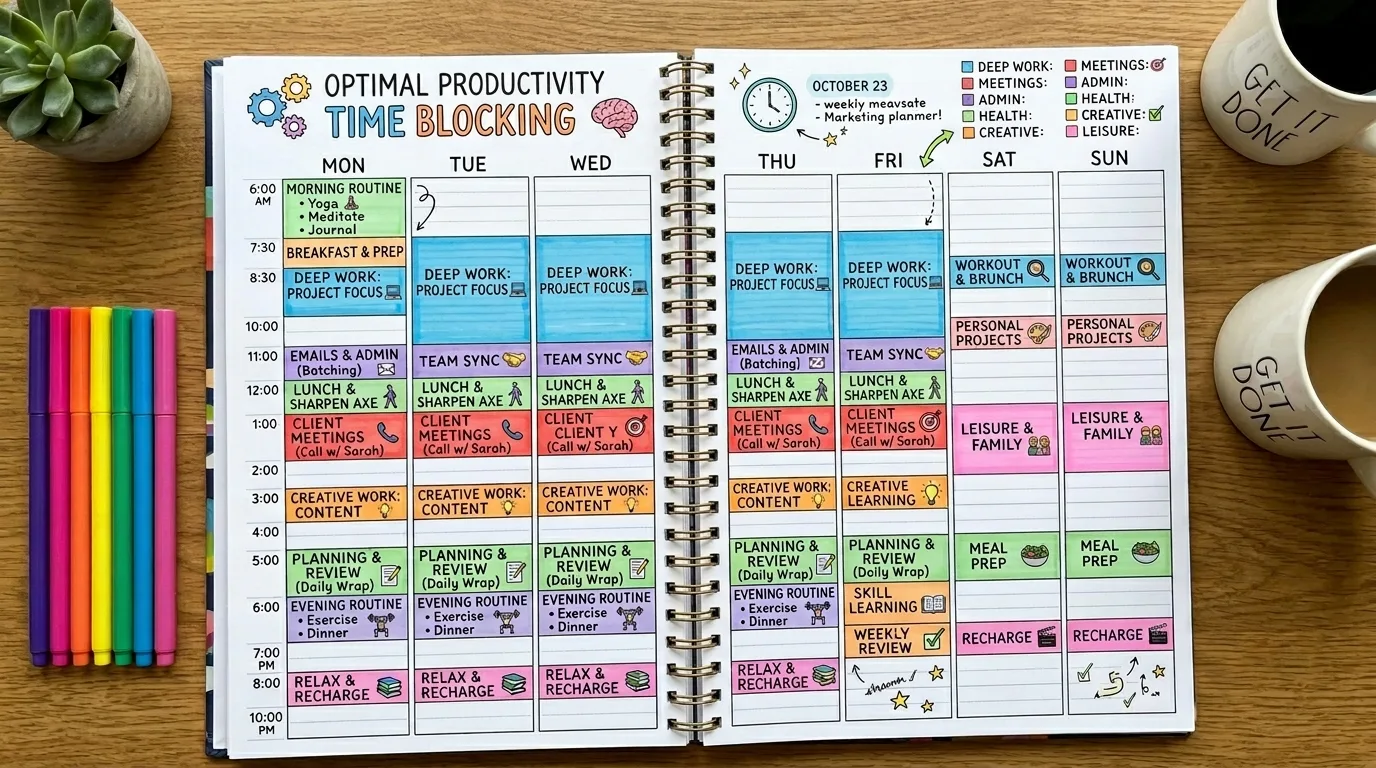
When scheduling your time blocks, consider the following tips:
Be realistic about your workload: Don't overload yourself with too many tasks in a single day.
Leave buffer time: Allocate some flexibility between tasks to account for unexpected interruptions or delays.
Integrating with Other Tools
You can also integrate Google Calendar with other tools, such as email clients or task management software, to streamline your workflow and boost productivity. By leveraging these integrations, you can:
Automate repetitive tasks: Use Zapier or IFTTT to connect your calendar with other apps.
Enhance data analysis: Link your calendar with analytics tools to track your progress and identify areas for improvement.
To integrate Google Calendar with other tools effectively, consider the following best practices:
Choose compatible apps: Select integrations that support seamless communication between your calendar and other applications.
Set up notifications strategically: Configure alerts and reminders to keep you informed about upcoming events or deadlines.
Conclusion
Time blocking is a powerful technique for managing your workload and increasing productivity. By dedicating specific blocks of time to tasks, you can eliminate distractions, minimize errors, and achieve greater efficiency. With Google Calendar as your go-to calendar app, you'll have the tools necessary to create customized schedules that meet your unique needs.
By following these guidelines and leveraging the features of Google Calendar, you'll be able to:
Improve focus: Concentrate on tasks without being sidetracked by distractions.
Increase productivity: Complete tasks efficiently and effectively.
Achieve better work-life balance: Schedule personal activities and self-care into your calendar.
In summary, time blocking is a simple yet effective technique for managing your workload. By dedicating specific blocks of time to tasks, you'll be able to achieve greater efficiency, reduce stress, and improve job satisfaction. With Google Calendar as your trusted companion, you'll have the tools necessary to create customized schedules that drive success.
This Article was made with AI assistance and human editing.