

In the ever-evolving landscape of mobile development, one trend has emerged as a game-changer for app developers and product managers: Progressive Web Apps (PWAs). By leveraging web technologies, PWAs offer a seamless user experience that rivals native apps. But what exactly are PWAs, and how can they boost engagement on iOS devices? In this comprehensive guide, we'll delve into the world of PWAs, exploring their benefits, features, and optimization techniques to help you unlock better mobile experiences.
What Are Progressive Web Apps?
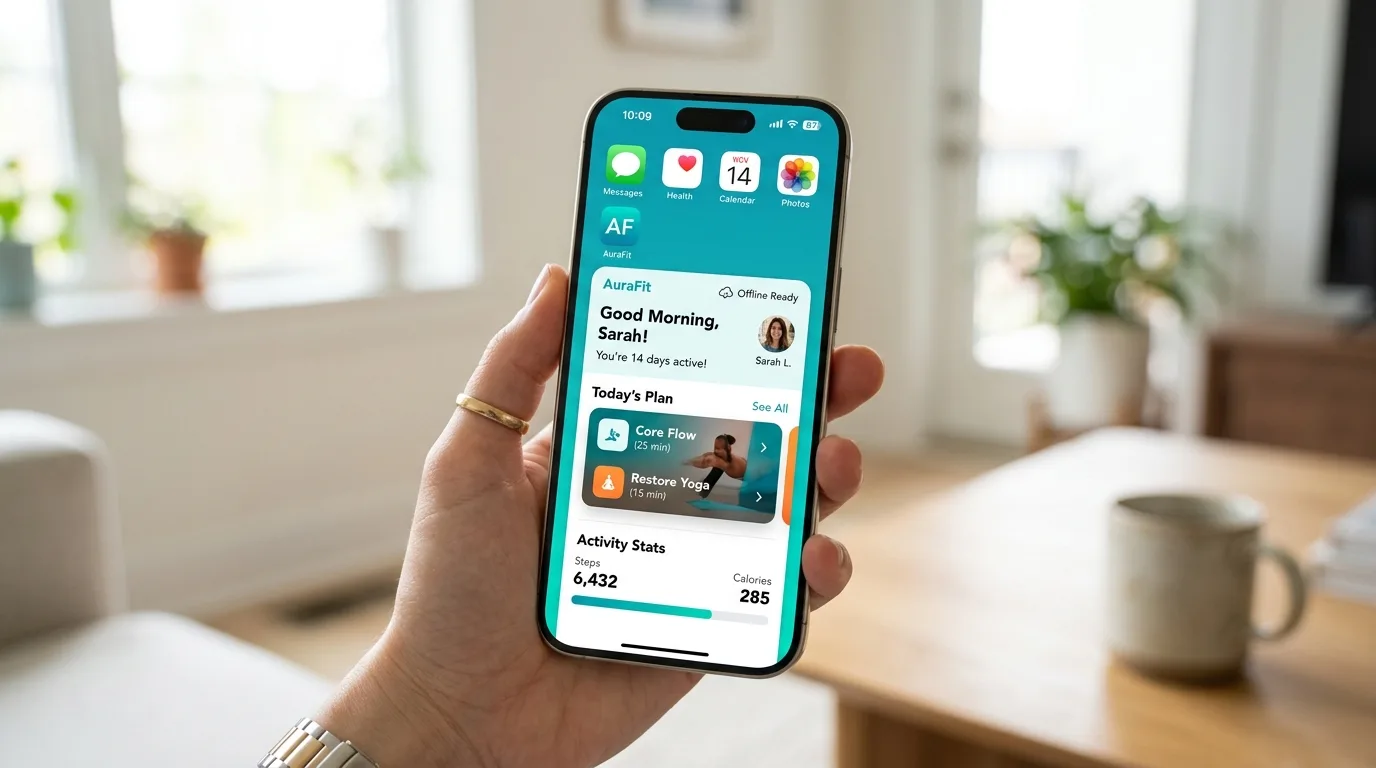
Progressive Web Apps (PWAs) are web applications that use modern web technologies to provide a native app-like experience. They're built using web standards such as HTML5, CSS3, and JavaScript, which enable them to work across multiple platforms, including desktops, laptops, tablets, and mobile devices. PWAs can be installed on a user's home screen just like a native app, but with the added flexibility of being easily updated or removed.
To better understand what makes PWAs tick, let's break down the key web technologies involved:
HTML5: Provides the structure and content for your PWA.
CSS3: Controls the layout, visual styling, and responsiveness of your PWA.
JavaScript: Enables dynamic interactions, animations, and effects within your PWA.
These web standards enable PWAs to be highly customizable, scalable, and maintainable. By leveraging these technologies, developers can create engaging experiences that adapt to various screen sizes, devices, and network conditions.
Benefits of Using PWAs
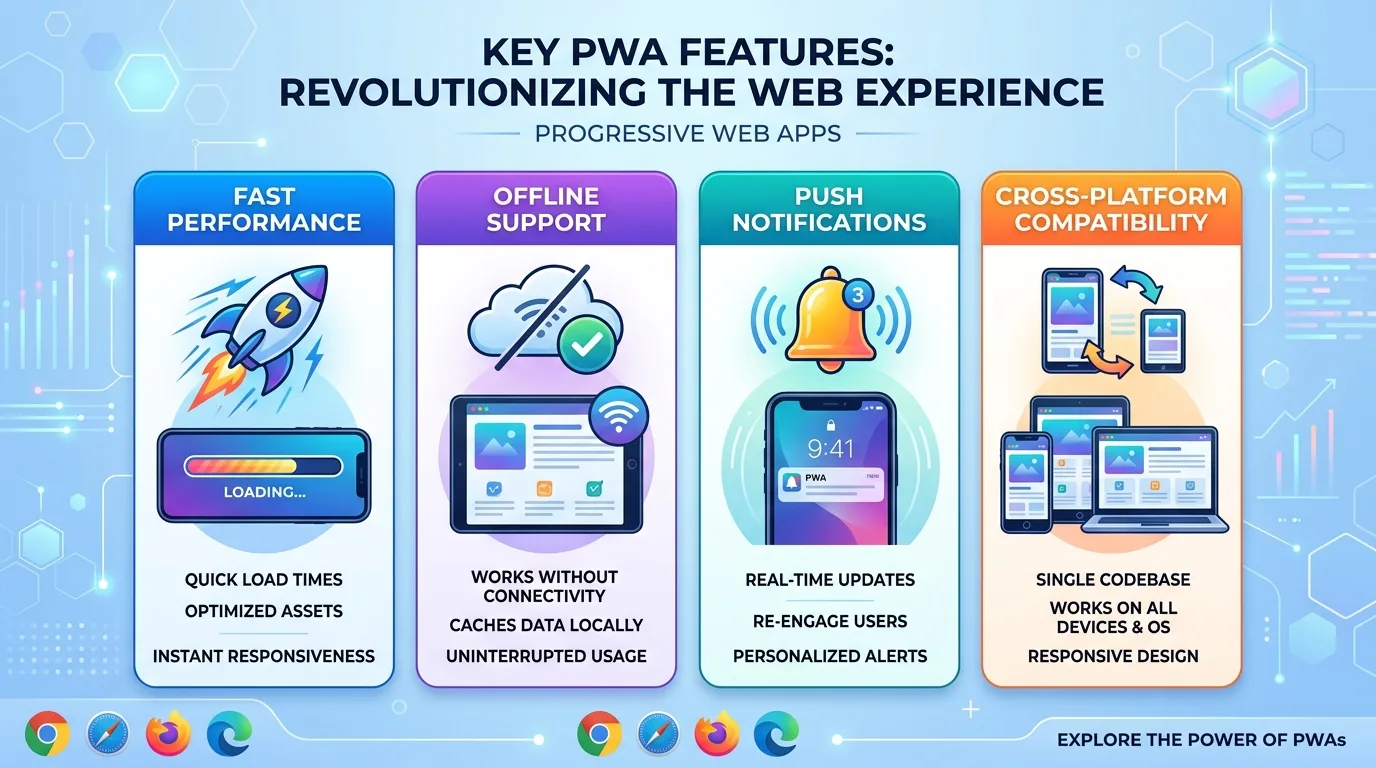
So why should you consider building a PWA? Here are some compelling reasons:
• Fast Performance: PWAs load quickly and efficiently, even on slow networks. This is achieved through techniques such as caching, code splitting, and lazy loading. + Caching allows your app to store frequently accessed resources locally, reducing the need for repeated network requests. + Code splitting enables developers to break down large codebases into smaller chunks, improving load times and making it easier to update individual components. + Lazy loading delays non-essential resources until they're needed, reducing initial payload sizes.
• Offline Support: With PWAs, users can access your app's content even when they're offline. When the user goes back online, the app syncs with the server to update the data. + This feature is particularly useful for apps that provide essential services or resources, such as banking, news, or education.
• Seamless Updates: Unlike native apps, which require users to manually update their apps, PWAs can be updated automatically without requiring user intervention. + This ensures that your app stays up-to-date with the latest features and security patches, improving overall user experience.
• Cross-Platform Compatibility: PWAs work seamlessly across multiple platforms, including iOS and Android devices. + By using web standards, you can create a single codebase that runs on various devices without needing to develop separate native apps for each platform.
Key Features of PWAs
Here are some essential features that make PWAs an attractive option for app developers:
• Service Workers: Service workers enable PWAs to run in the background, performing tasks such as caching, push notifications, and offline support. + Service workers act as a proxy between your PWA and the server, allowing for more efficient data exchange and enabling features like push notifications.
• Web App Manifest: The web app manifest is a JSON file that provides metadata about your PWA, including its name, description, and icons. + This metadata helps search engines and other services understand the nature of your app, improving discoverability and search rankings.
• Responsive Design: PWAs use responsive design principles to ensure a consistent user experience across different screen sizes and devices. + By using flexible grids, images, and media queries, developers can create experiences that adapt seamlessly to various screen resolutions and orientations.
How PWAs Boost Engagement on iOS Devices
PWAs can significantly boost engagement on iOS devices by providing:
• Fast Load Times: With their fast load times, PWAs reduce bounce rates and improve user satisfaction. + Fast load times are particularly important for mobile users, who often have limited attention spans and prefer instant gratification.
• Native App-Like Experience: PWAs offer a seamless user experience that rivals native apps, making them more engaging and enjoyable for users. + By using web technologies, developers can create experiences that feel natural and intuitive, even on devices with limited computing resources.
• Push Notifications: Service workers enable PWAs to send push notifications, which can encourage users to engage with your app. + Push notifications are a powerful tool for re-engaging users and promoting new content or features within your app.
Optimizing Your PWA
To get the most out of your PWA, here are some optimization techniques:
• Use Caching: Cache frequently accessed resources to reduce load times and improve performance. + By caching resources like images, fonts, and scripts, you can reduce network requests and improve overall app speed.
• Minimize Code Size: Use code splitting and lazy loading to minimize the initial payload size of your app. + Minimizing code size helps reduce initial load times and improves overall app performance.
• Implement Responsive Design: Ensure that your PWA adapts seamlessly to various screen sizes, devices, and orientations. + By using responsive design principles, you can create experiences that feel natural and intuitive on any device or platform.
By following these optimization techniques, developers can create PWAs that deliver exceptional user experiences across multiple platforms.
This Article was made with AI assistance and human editing.


